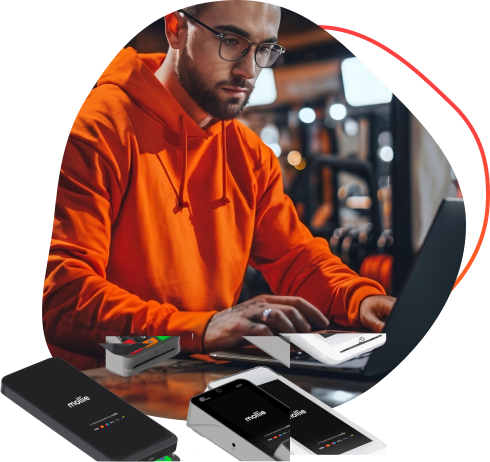
Card payment terminals connected to the rest of your business


Card payment terminals tailored to fit your workflow


Trusted by businesses, proven by real customer reviews
"Billing with Virtuagym Pay has been a total game-changer for us. Without this tool, managing payments would be a challenge"
"If so many entrepreneurs choose Virtuagym, there must be a good reason behind it — that was our thinking."

"The great thing was that I could get started right away, from managing client data to automating payments and scheduling workouts – everything is in one streamlined system."

"I would recommend Virtuagym without hesitation. It has helped us immensely, and it will be a key ally as we continue to expand"
Ready to upgrade your business?
Free Demo & Pricing
Frequently asked questions about card payment terminals
What is a card payment terminal?
A card payment terminal is a device that accepts in-person card and digital wallet payments. In Virtuagym, it is connected to your payment and sales workflows. That helps staff complete transactions faster and reduces manual follow-up after checkout.
How does the Virtuagym card payment terminal integrate with my gym software?
Virtuagym’s card terminal integration connects payments to POS and invoice workflows inside your gym software. Staff start the payment in Virtuagym, complete it on the terminal, and the result is linked back automatically. This reduces manual checks and keeps payment handling clearer.
What types of payments does the terminal accept?
A card payment terminal accepts in-person card payments and digital wallet payments. Fitness businesses can use it for memberships, services, products, packages, and invoice payments collected on-site. That makes it easier to turn payment moments into completed revenue right away.
What are the costs of a card payment terminal?
Card payment terminal costs usually include hardware, payment processing, and setup choices. The total depends on your business size, terminal setup, and transaction volume. For many fitness businesses, the value comes from faster collection, fewer manual checks, and smoother operations.
Is the terminal suitable for gyms of all sizes?
A connected card payment terminal works for gyms, studios, personal trainers, and smaller fitness businesses. Different setups support front desk, floor, and mobile payment moments. That means you can start with what fits today and expand as your business grows.
How Virtuagym's card payment terminal works?
Virtuagym’s card payment terminal works by triggering a payment from your portal and completing it on the selected terminal. The payment result is then linked back to the right member, sale, or invoice. This keeps payment handling connected instead of split across separate tools.